More Time for Design
Spending time and bandwidth on following production-ready guidelines can result in less time ideating and iterating on the creative side of things. Not satisfied with generalized solutions floating around on the internet, I picked up coding to create more bespoke automations (before the advent of Generative AI) that could maintain the accuracy and consistency needed for production while freeing up more time to design. In addition to examples like these, I’ve also refactored existing production automations to accommodate new business needs.
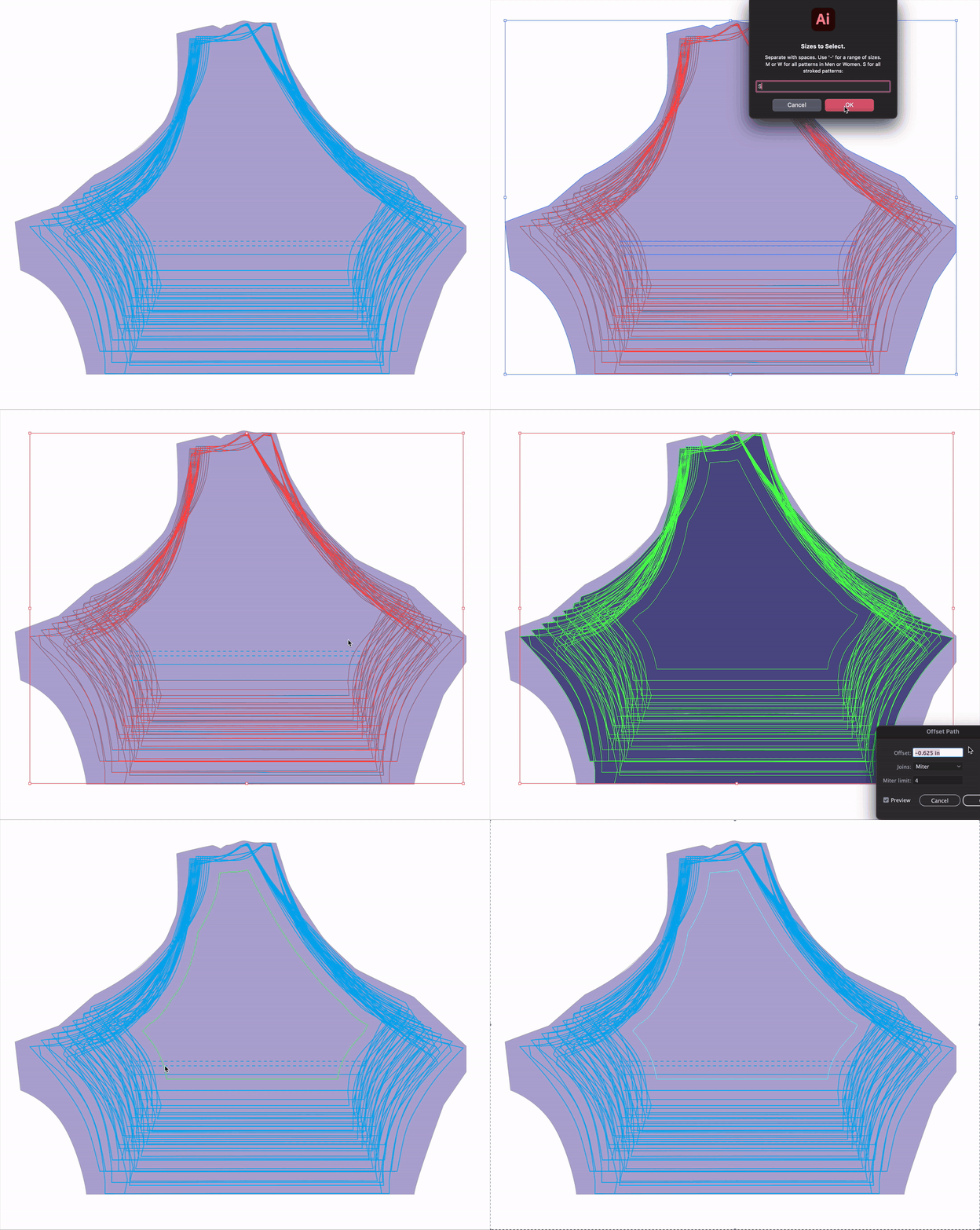
Whole-Group Bleed
When working with a multitude of differing patterns, it can be time consuming to drag-and-drop a checking guideline to ensure none of your art is in the dieline’s danger zone. To make things faster and more accurate, I employed an overlapping division and area comparison to create unique guidelines. This ensures safe art for all the working dielines.
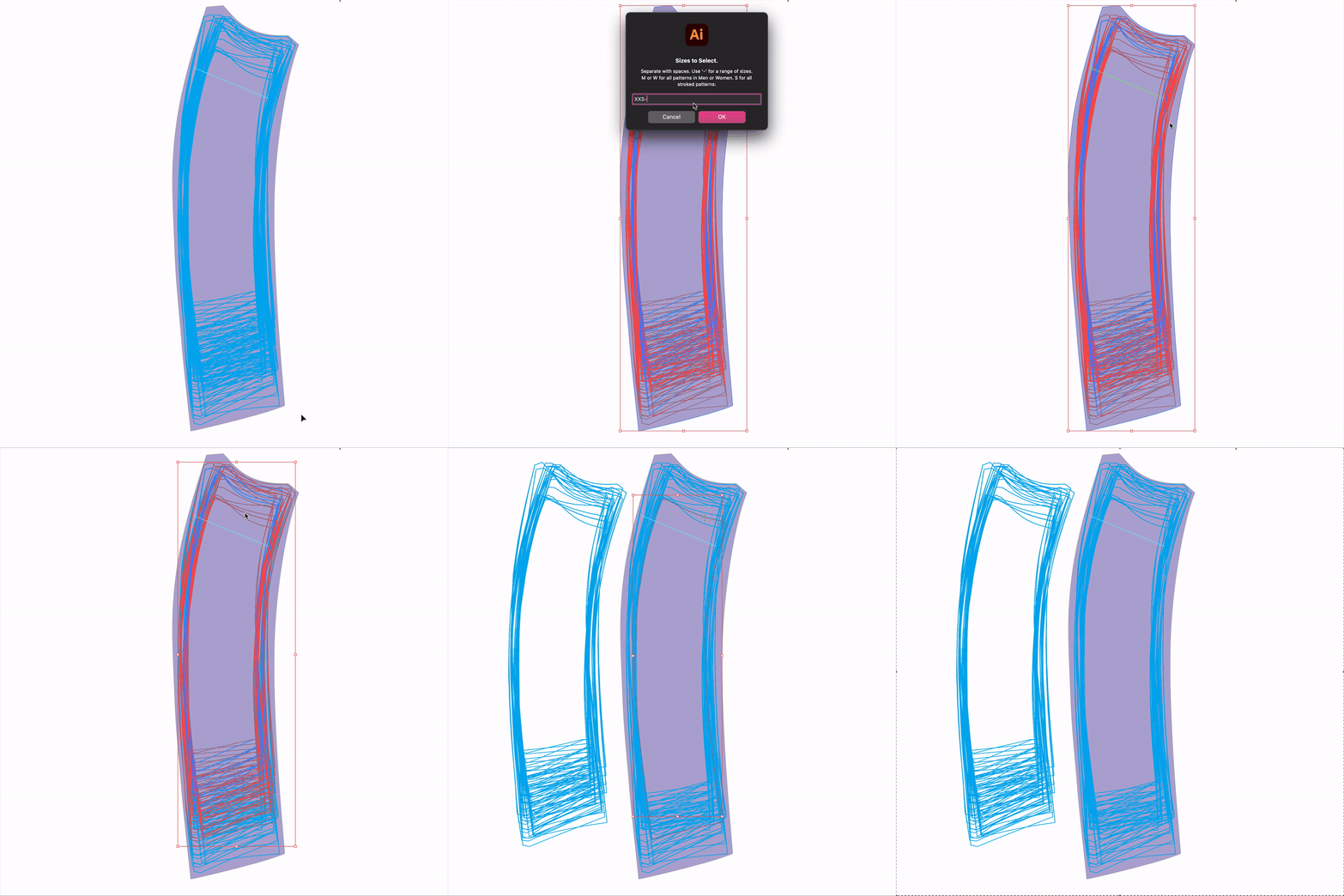
Targeted Object Isolation
Digging through hundreds of objects to isolate and work with a specific subset of said objects is simply not feasible in many situations. To better accommodate specific design needs, I created a script that can accept a breadth of properties or shorthand commands to parse and select objects within a selection.
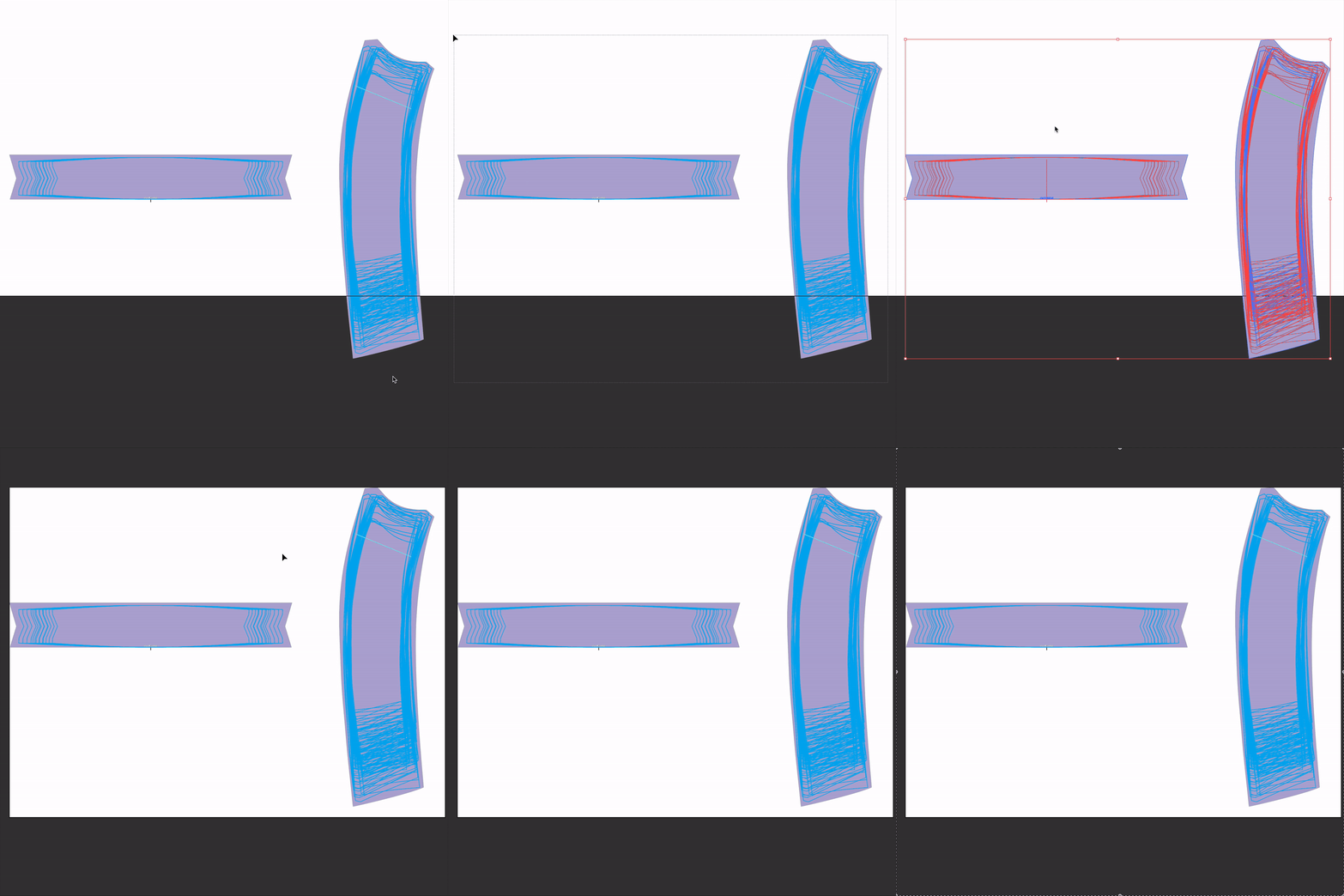
Resize Artboard, Add Margins
I was tired of having to manually pull margins after resizing an artboard down to the design. Instead, lets turn four actions into a single click solution!